
Plejd smart lighting
Dim your lights and control them with a push button or the app. We install Plejd.
What you use Plejd for
A dinner or a film
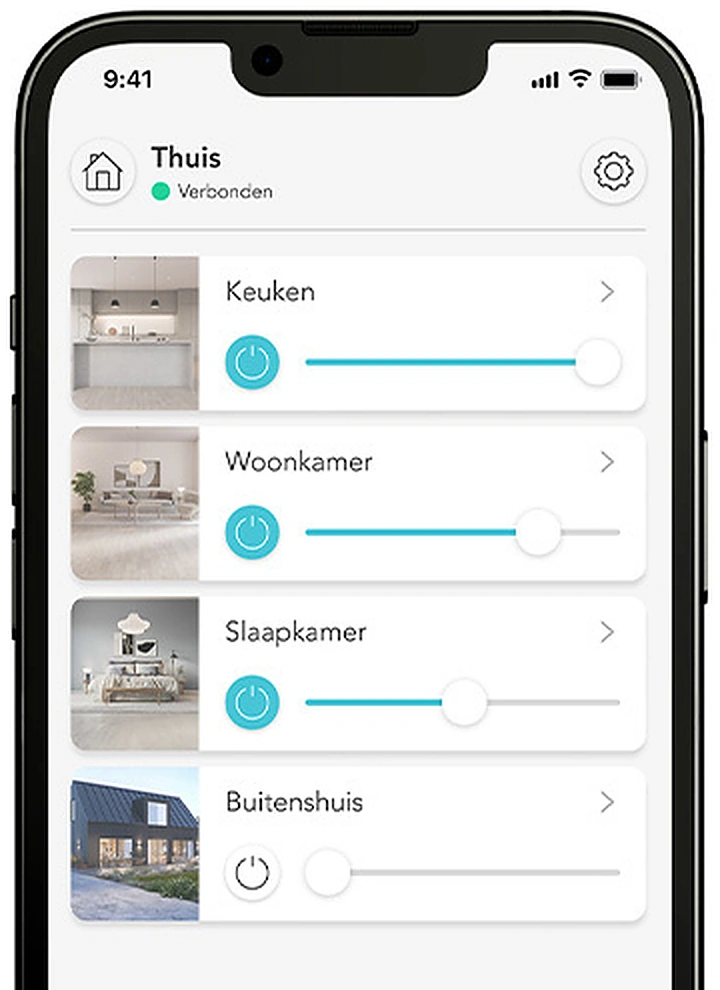
One press on your push-button or in the app sets the lights to the level you chose beforehand. That setting is called a scene.
Away from home
When you leave, one scene switches off all the Plejd lights in it at once.
Light that follows the day
Plejd can make your lighting follow sunrise and sunset, or a schedule of your own. That way the outdoor light comes on when the sun goes down.
Light on movement
With a motion sensor added, the light only comes on when someone is there, for example in the hallway or the toilet.
Modules that pass the signal on to each other
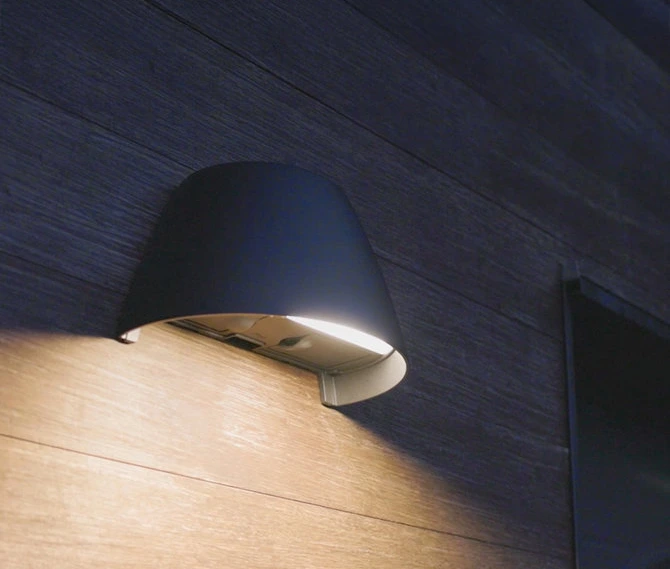
Plejd makes small modules for your lighting: dimmers, relays and LED drivers. They talk to each other wirelessly. We decide which light goes on which module, install the modules and link it to Homey if you want. Modules can go behind your switch or at your light. You control them with your push-button, with the app or through your smart home.
Wireless network
Every Plejd module on 230 volts passes the signal on to the next one. Each module reaches about 10 metres indoors; walls reduce that. Where it gets tight, we test it first.
The gateway
For control from a distance and the official integrations, a gateway is added. It needs a network cable; it has no Wi-Fi. Through the gateway, Plejd works with Apple Home, Google Home, Alexa and Homey.
Indoors
On site you control Plejd with the app via Bluetooth and with your push buttons, even without a gateway.
Check your switch and lights
Your own switch
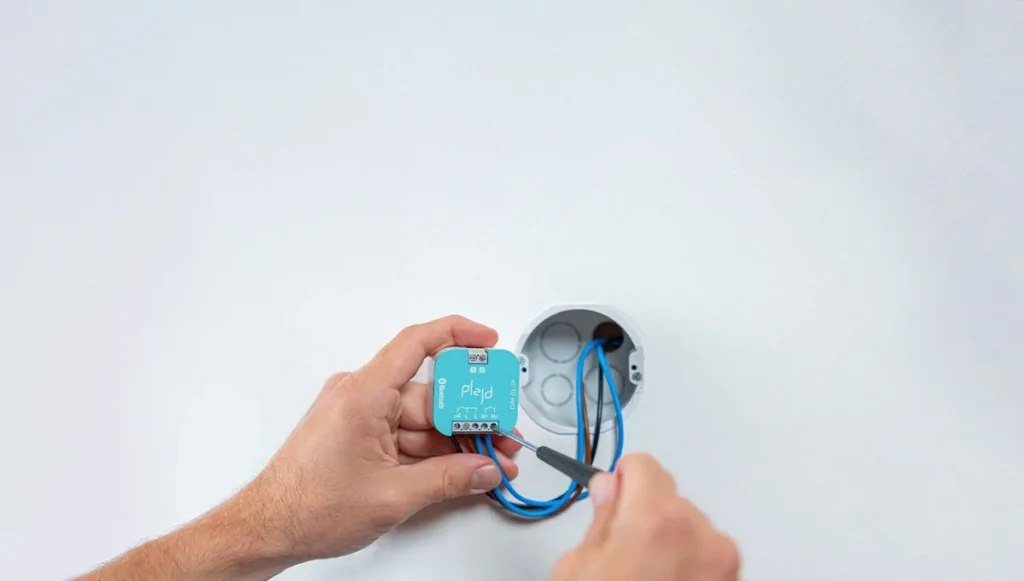
It can stay if it is suitable. A Plejd DIM-01 can go in the wall box behind your switch or push-button, if it fits (46 × 46 × 18 mm) and there is a neutral wire in the box. We check that on site, with the box open.
LED strips
For an LED strip on 12 or 24 volts with constant voltage, a Plejd driver with a built-in dimmer can be a fit. How much strip one driver can take depends on the voltage and the wattage. We do the maths; just send us those two details of your strips.
Lights with their own dimming function
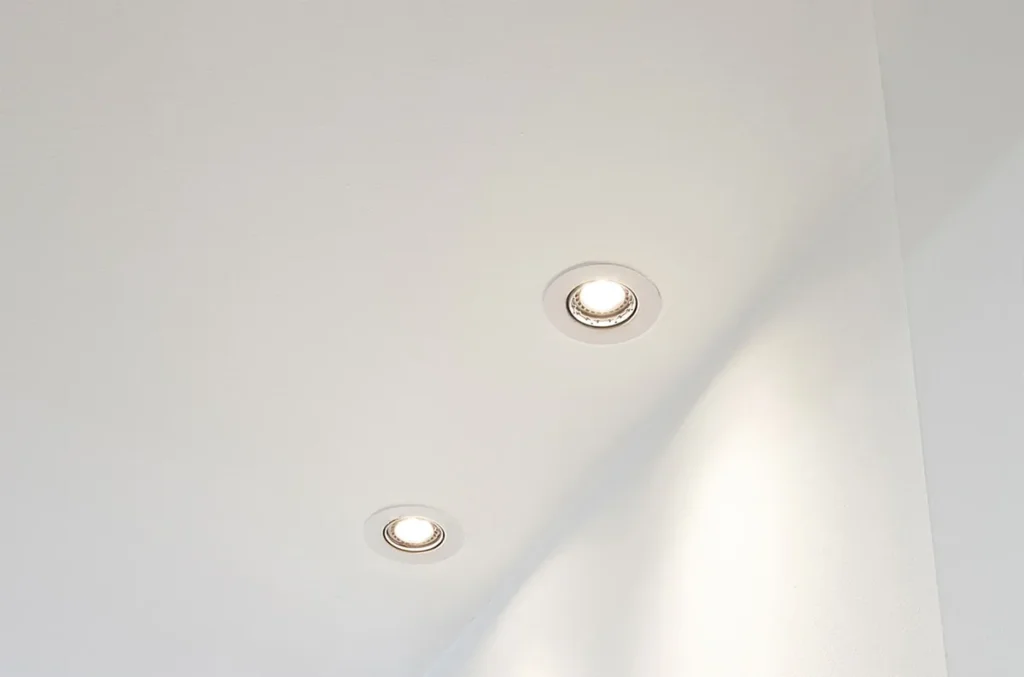
Not every light with its own dimming function works well on an external dimmer. If it doesn't suit a Plejd dimmer, a relay can be the solution, so it switches on and off.
Send this if you are not sure
- Per room: do you want a push-button or a rotary dimmer?
- Which switches you have now, with brand and series, and a photo of the front.
- Which lights you have, with brand and type, and for LED strips the voltage and the wattage.
- Whether a light has its own dimming function.
- Which hub you have, with the model, if you want to link Plejd.
What we do
Design per room
Which light goes on which module, and which lights dim together.
Checking LED strips
We calculate the load, so the driver is not overloaded.
Supply and fitting
Modules, drivers and the gateway. We install Plejd that was bought through us.
Linking to Homey
With the official Plejd app on Homey, via the gateway.
What we came across in a home with Plejd
One of our jobs, without names. This is what happened, and what it means for you.
A home converted to Plejd
In an existing home, we converted the lighting to Plejd. The customer first wanted Homey on top, but later decided against it: at home it works with the switches and the app.
A light that hummed
On the last visit, one light hummed on the Plejd dimmer, at every setting. It was a light with its own dimming function. It is now on a relay, so it switches on and off. That is why we ask for the brand and type of each light in advance.
The shed
A network cable already ran to the shed. The Plejd network of the house did not reach it, so the shed became its own system with its own gateway. So tell us in advance how far away your outbuilding is and whether power or a network cable runs to it.
From request to handover
1. Request with photos
Use the request form which lights and switches you have, and whether you want a push-button or a rotary dimmer in each room. Photos of your lights and switches help.
2. Quote
With that, we check which module suits which light and make a quote, with each part listed separately. You will hear from us within 2 working days. Whether the dimmers fit in your wall boxes, we check on site.
3. Installation
We fit the modules, connect them and set them up in the app. If you want Homey on top, we link it through the gateway.
4. Handover
We explain your push-buttons and the app. We give 12 months' warranty on our installation work.
What customers ask us about Plejd
You will find more answers on our FAQ page. You can see Plejd and Philips Hue side by side on our page about smart lighting.
What does it cost, and how do I get a quote?
Sending photos and getting a quote are free and without obligation. There is no price on this page. It depends on the number of lights, the LED strips and whether you want a gateway. Send us, via the request form which lights and switches you have; send photos via WhatsApp on 030 207 2509. You will hear from us within 2 working days. If we can see enough, we make a quote based on those photos; otherwise we first ask for what we are missing. You give your approval online; then we schedule the installation and you hear the date in advance.
Does Plejd work without internet?
At home, yes: with your push buttons and with the app via Bluetooth. For remote control and integrations with Homey, Apple Home or Google Home you need the gateway.
Does it work with Homey or Home Assistant?
With Homey, yes, through the official Plejd app on Homey. It works via the gateway and the internet. Home Assistant only works with an integration that is not made by Plejd itself; we don't include that in a quote.
My shed is far from the house. Will it work there?
If there is a power point between the house and the shed, an extra module can sometimes bridge the gap; we test that first. If that doesn't work and the shed has a working network connection with internet, the shed can get its own system with its own gateway. You see both systems under one account in the app. A button in the house then does not control the light in the shed. The official Plejd app on Homey does not link two Plejd systems on the same account; if you link the house to Homey, the shed is not included.
I have heavy LED strips. Is that possible?
On 12 volts, we only load an LED-75-V2 up to 40 watts for existing lighting without expansion; then there is no headroom left, and we tell you that in advance. If more will be added later, or you don't know yet, we keep to a maximum of 32 watts per driver on 12 volts and spread the strips over more drivers where needed. For new strips, we can also choose 24 volts.
Which warranty applies?
We give 12 months' warranty on the installation we carry out. If you buy Plejd from us, you can come to us for the statutory warranty; any manufacturer's warranty comes on top of that. Your statutory rights remain.
Not sure whether Plejd suits your home?
Send us which lights and switches you have; photos can go via WhatsApp to 030 207 2509. Sending photos and getting a quote are free and without obligation. You will hear from us within 2 working days.