
Philips Hue smart lighting
With Philips Hue, the bulb itself is smart. You control it with the app, a button on the wall or your smart home. We supply and install Hue bulbs, spotlights and the Bridge.
What you use Hue for
A dinner or a film
In the app or with a button, you choose a setting for your lights that you set up in advance. Such a setting is called a scene.
Away from home
With the Hue Bridge you can also control your lights when you are not at home. So you can switch them off if you forgot.
Warm or cool light
White ambiance gives white light from warm to cool. White and color ambiance can also do colour. So you choose the light that suits the moment.
Light in the garden
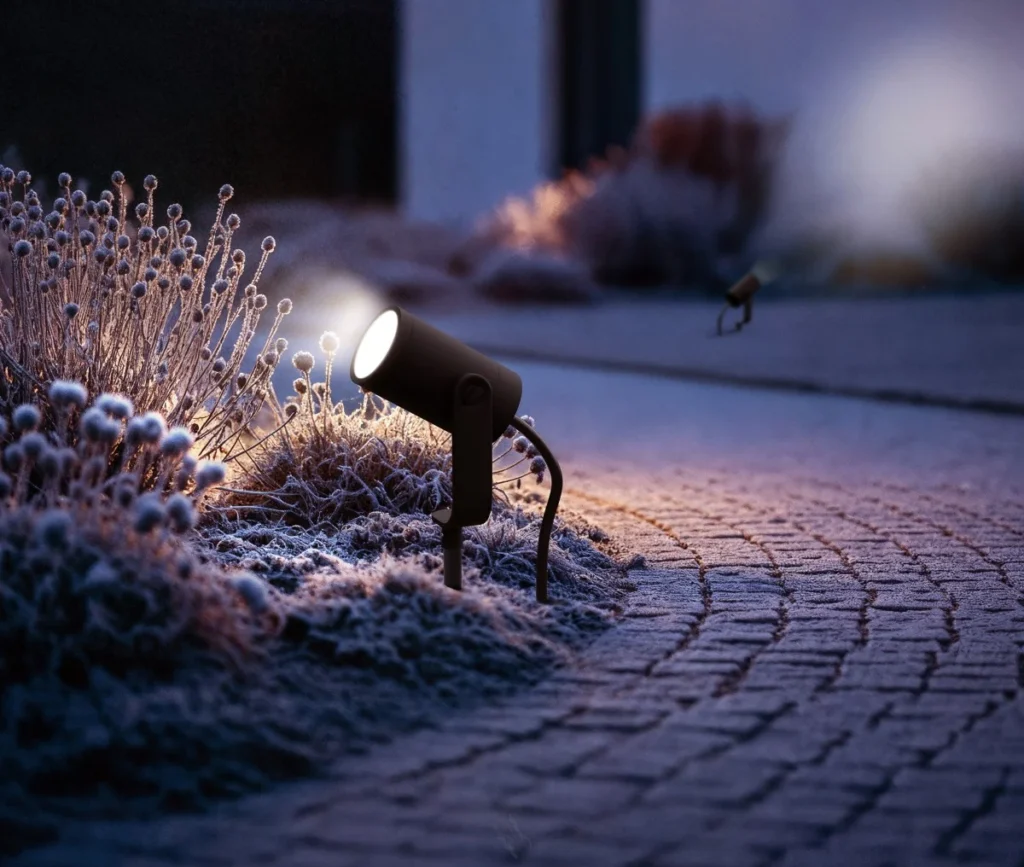
We connect 24-volt Hue garden spotlights, such as the Lily, to a 40-watt outdoor power supply. It takes up to 35 metres of cable in total and up to 40 watts of spotlights together.
A smart bulb that always keeps its power
Together we look at which lights and spotlights suit your home, install them and set them up in the app. If you want to link it to your smart home, we check in advance whether that works with your hub. Want to keep your own lights and only switch them smartly? Then read about Plejd.
The bulb itself is smart
The smart part is in the Hue bulb or spotlight. A separate smart dimmer behind your switch is then not needed. You control each light separately or per room.
The Bridge
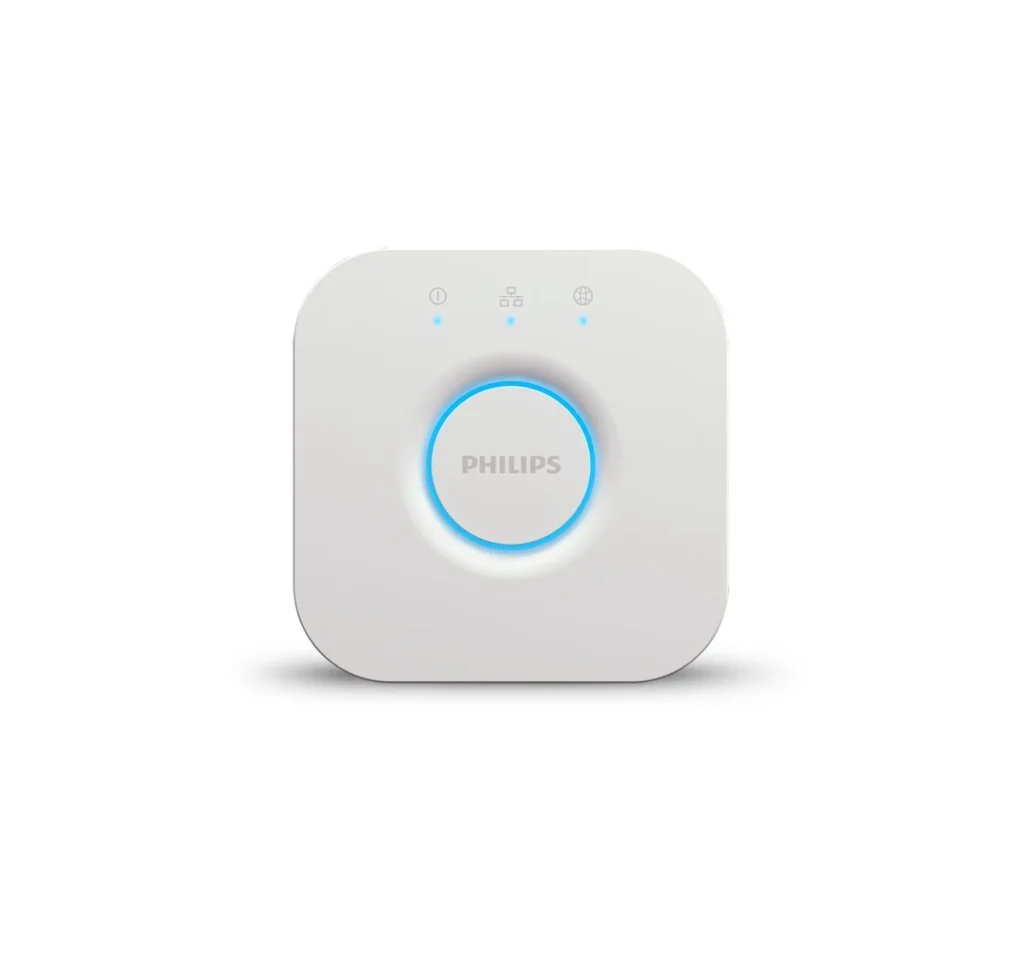
The Bridge is the hub of Hue. It controls up to 50 lights and 12 switches or sensors and needs a network cable to your router. For a larger home there is the Bridge Pro, which can also use wifi.
Your own switch
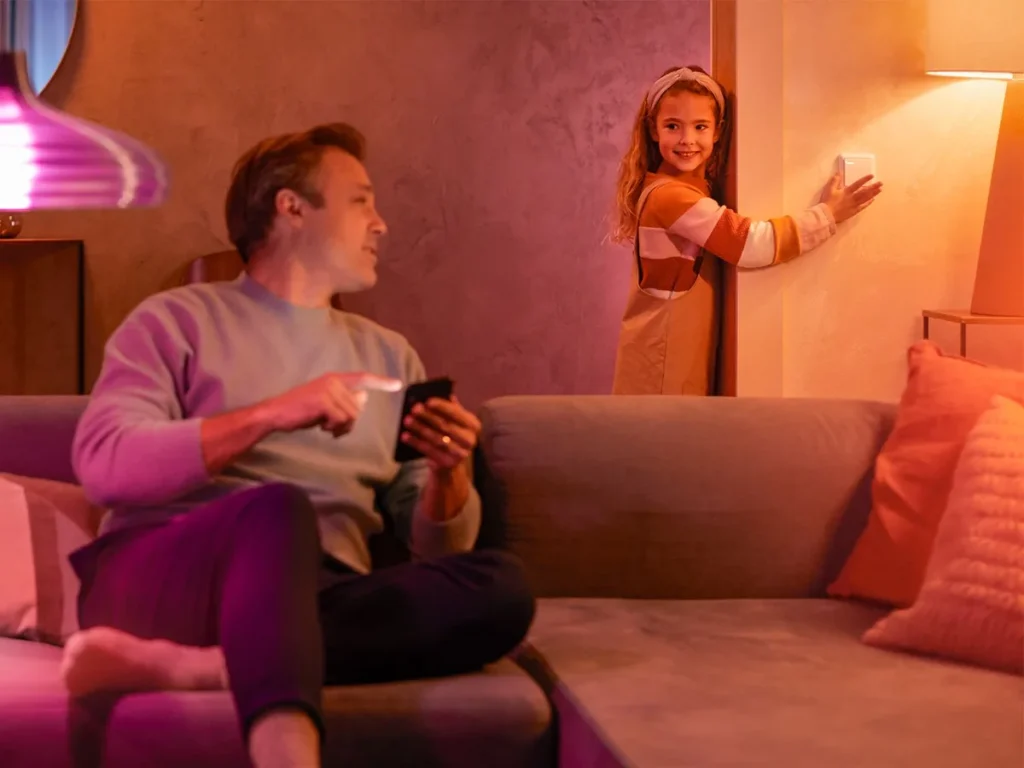
A Hue bulb must always keep its power. If you switch it off with an ordinary switch, it no longer responds to the app. That is why we fit a wall switch module behind your switch; it turns it into a wireless Hue button. With a two-way or double switch, we first look at a photo to see what fits. The module is for indoor use only and not in a wet zone. A Hue bulb cannot sit behind a dimmer in the wall; we then look at a photo to see what replaces it.
How to check your lights and spotlights
Recessed spotlights
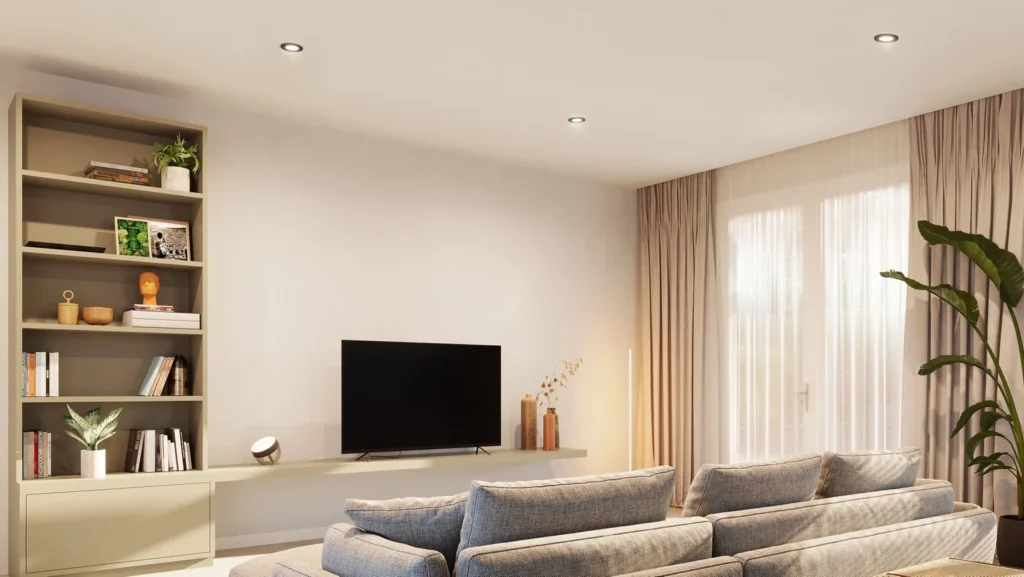
We measure your hole size and check which Hue model or fitting fits. If your hole is too small, we drill it out, if the ceiling allows. If it is too large, we choose a separate fitting with a Hue bulb in it.
Spotlights with a built-in LED
A Hue bulb will not fit in those. You replace the spotlight with a Hue spotlight, or you keep it and we check per spotlight whether it can be made smart with a dimmer before the driver. That is then not Hue.
The bathroom
For each spotlight we first determine which bathroom zone it goes in. Only then do we choose the spotlight; splash-proof (IP44) alone is not enough.
Send this if you are not sure
- Per room: how many lights and spotlights you want, with a photo of each light or spotlight.
- For recessed spotlights: the hole size, if you know it.
- A photo of your switches, and whether there is a dimmer in the wall.
- Which hub you have, with the model, if you want to link Hue, and whether a network cable can reach your router.
- For the garden: whether there is an outdoor socket and roughly how many metres of cable are needed.
- For the bathroom: a photo of where the spotlights will go.
What we do
Measuring and choosing
We measure the holes and choose per room which lights and spotlights fit.
Checking bathroom and garden
In the bathroom we check each spotlight against its zone. In the garden we calculate the cable length and the power.
Supply and fitting
Lights, spotlights, wall switch modules and the Bridge. We install Hue that was bought through us.
Setting up and linking
The Hue app and your scenes, and your smart home if that works with your hub.
From request to handover
1. Request with photos
Use the request form per room which lights, spotlights and switches you have. Photos of your lights and switches help.
2. Quote
With that we look at which lights and spotlights fit. If there is enough to see, we make a quote, each part separately; otherwise we first ask for what we are missing. You will hear from us within 2 working days.
3. Installation
We install the lights, spotlights and modules, connect them and set them up in the app. If you want to link it to your smart home, we check in advance whether that works with your hub.
4. Handover
You get an explanation of your buttons and the app. We give a 12-month guarantee on our installation work.
What customers ask us about Philips Hue
You will find more answers on our FAQ page. You can see Plejd and Philips Hue side by side on our page about smart lighting.
What does it cost, and how do I get a quote?
Sending photos and a quote are free and without obligation. There is no price on this page. It depends on the number of lights and spotlights, the bathroom and whether you want to link Hue to your smart home. Send via the request form which lights and switches you have; you can send photos via WhatsApp on 030 207 2509. You will hear from us within 2 working days. If we can see enough, we make a quote based on those photos; otherwise we first ask for what we are missing. You give your approval online; then we schedule the installation and you hear the date in advance.
Will Hue spotlights fit my existing holes?
We measure that first. We then check which Hue model or fitting fits. If your hole is too small, we drill it out, if the ceiling allows. If it is too large, we choose a separate fitting that takes a Hue bulb.
Can I make my current spotlights smart?
That depends on the spotlight. If it has a 230-volt GU10 bulb, you usually only replace the bulb with a smart one; if there is a dimmer in the wall, we first check what needs to change there. If the spotlight has a built-in LED with a separate driver, a Hue bulb will not fit. Then you replace the spotlight with a Hue spotlight, or you keep it and we check whether it can be made smart with a dimmer before the driver.
Will the light get warmer when I dim, like my old spotlights?
A Hue GU10 bulb dims at the colour you have set and does not get warmer by itself. If you want that, we check whether a set-up with a dimmer and driver fits; that is then not Hue.
Do I need a Hue Bridge?
For the Hue app when you are not at home, and for the wall switch module, yes. Without a Bridge, a Hue bulb with a GU10 fitting can sometimes connect directly to your hub; what you can then do remotely depends on your hub. We check that in advance. Hue also works without a Bridge via Bluetooth, but then with at most 10 lights and only at home.
Which warranty applies?
The installation we carry out comes with a 12-month warranty. If you buy Hue from us, you can come to us for the statutory guarantee; the manufacturer's warranty comes on top of that. Your statutory rights remain in place.
Not sure whether Hue suits your home?
Send which lights, spotlights and switches you have; photos can be sent via WhatsApp to 030 207 2509. Sending photos and getting a quote are free and without obligation. You will hear from us within 2 working days.